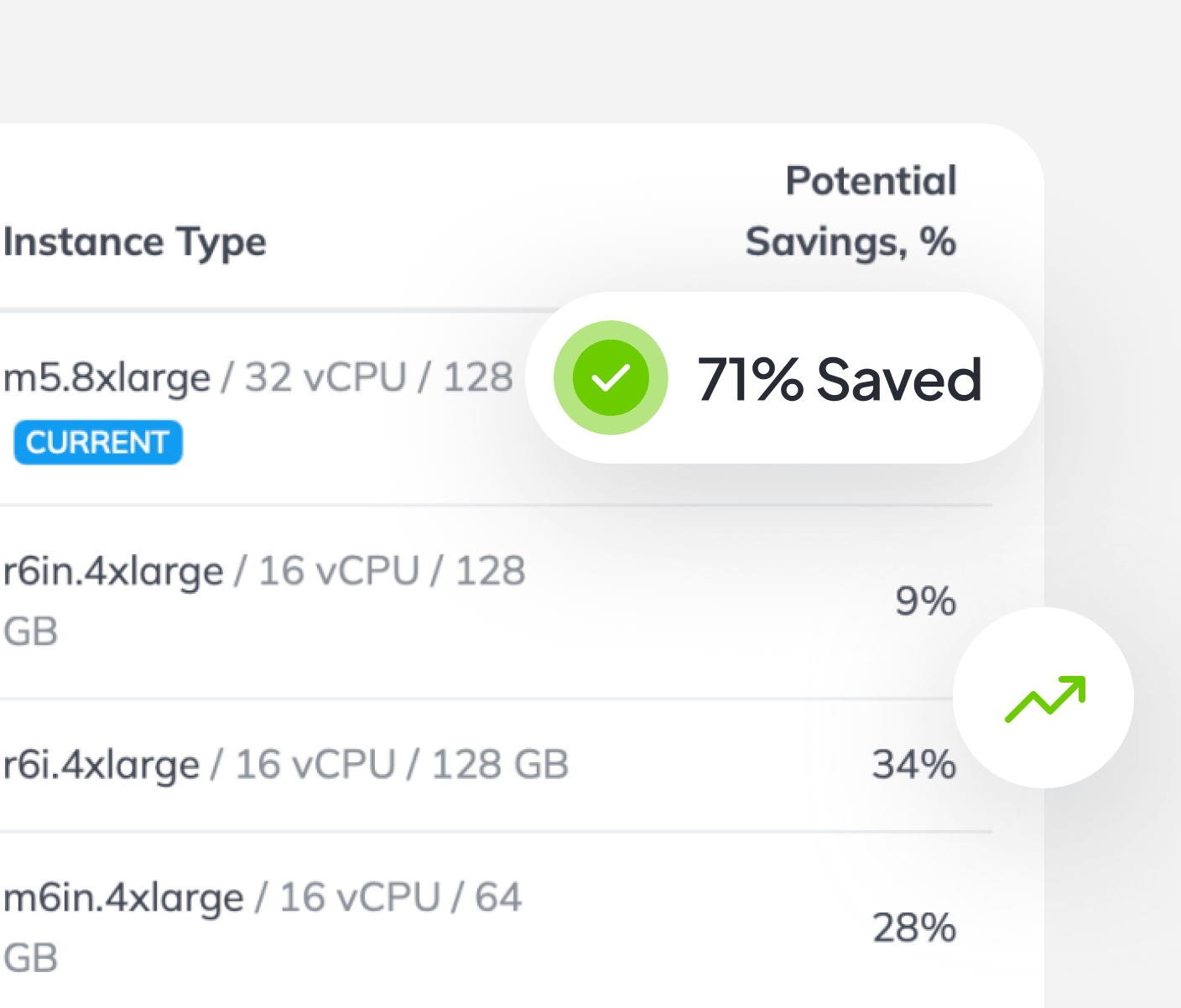
Pay only for what you actually use

See which resources are oversized and how much you can save.
CloudAvocado Graphic
Problem

See what’s oversized. Reduce it safely.

Cloud resources are sized “just in case” to avoid risk. Over time, that turns into waste. Average utilization sits at 10-30%, performance is fine, but costs keep growing. Engineering has no clear view of what’s underutilized. CloudAvocado removes that uncertainty. You finally know what to fix.

Product Capabilities

Recommendations based on real usage over time

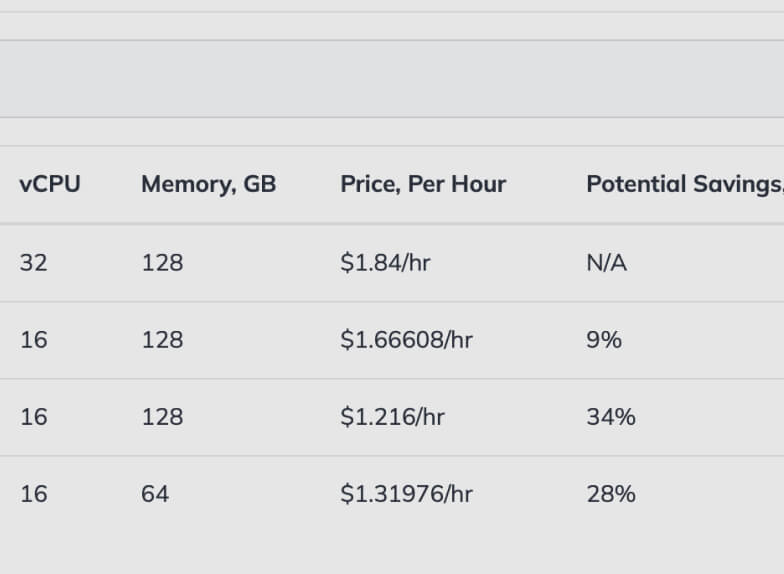
You see allocated capacity vs. actual usage and spot underutilized resources. No more spreadsheets or manual analysis.
Card main 0

Works across your compute resources

Analyze virtual machines, databases, containers, and more from a single dashboard. One place to understand where capacity is wasted and where to start.

Card main 1

You stay fully in control

CloudAvocado provides recommendations. Engineering decides what to change, and Finance gets full visibility.

Card main 2

Measurable, fast impact

Rightsizing cuts costs quickly. Resources shift from “just in case” to real demand. Finance gets clear numbers to show leadership.

Card main 3

You see allocated capacity vs. actual usage and spot underutilized resources. No more spreadsheets or manual analysis.

Card main 0

Analyze virtual machines, databases, containers, and more from a single dashboard. One place to understand where capacity is wasted and where to start.

Card main 1

CloudAvocado provides recommendations. Engineering decides what to change, and Finance gets full visibility.

Card main 2

Rightsizing cuts costs quickly. Resources shift from “just in case” to real demand. Finance gets clear numbers to show leadership.

Card main 3

How It Works

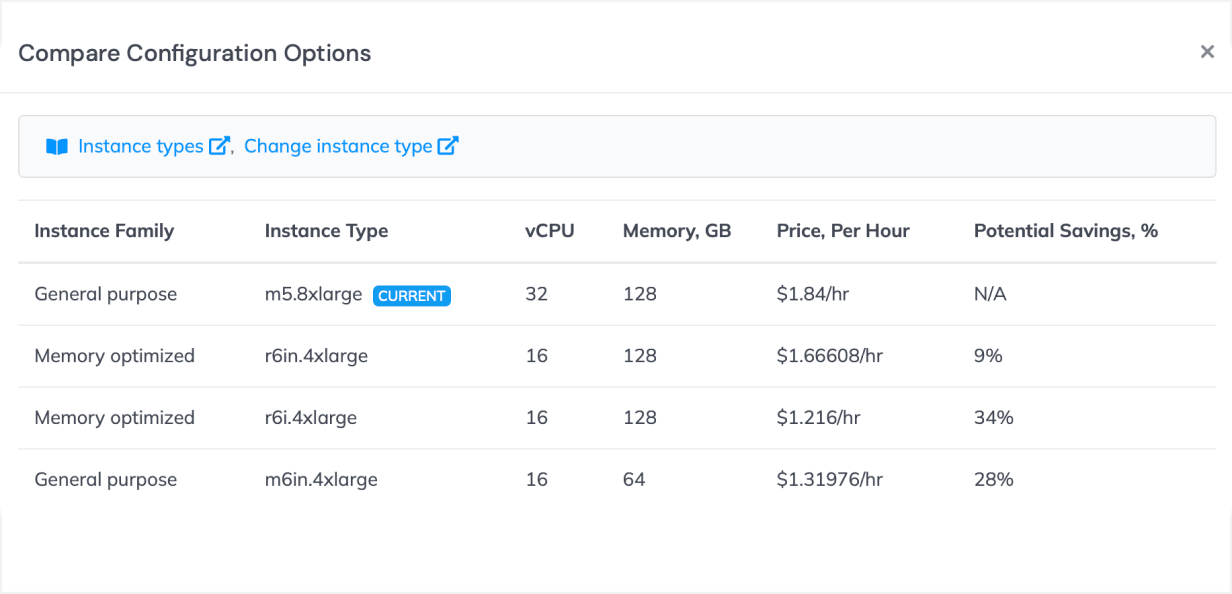
What recommendations look like in practice

icon

Analyzes usage trends over time

icon

Compares allocated capacity to real demand

icon

Identifies oversized resources

icon

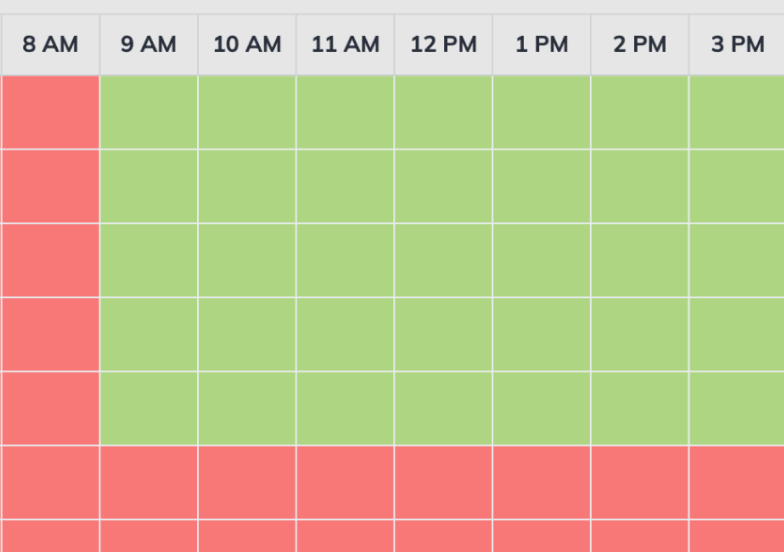
Preserves safe headroom for peaks

For each recommendation, you see:
Everything is clear and easy to understand.

Setup

icon

Connect in minutes

icon

Recommendations appear soon after connecting

FAQ

If you’ve made it this far, these questions are for you.

Does CloudAvocado make changes automatically?

No. CloudAvocado provides recommendations only. You review each suggestion and decide when to apply it.

Is it safe for production environments?

Yes. Recommendations are based on real usage patterns and historical peaks to preserve performance and reliability.

Does this work across multiple AWS accounts?

Yes. You see rightsizing recommendations across all connected accounts in one dashboard.

How long does it take to see recommendations?

Shortly after connecting to your environment. Recommendations appear in the dashboard after CloudAvocado analyzes your usage.

Will rightsizing affect performance or SLAs?

No. Recommendations suggest the right machine type to keep performance stable. You stay in full control.

Ready to discover opportunities for your cloud optimization?