
Trusted by teams worldwide





Work out your own number
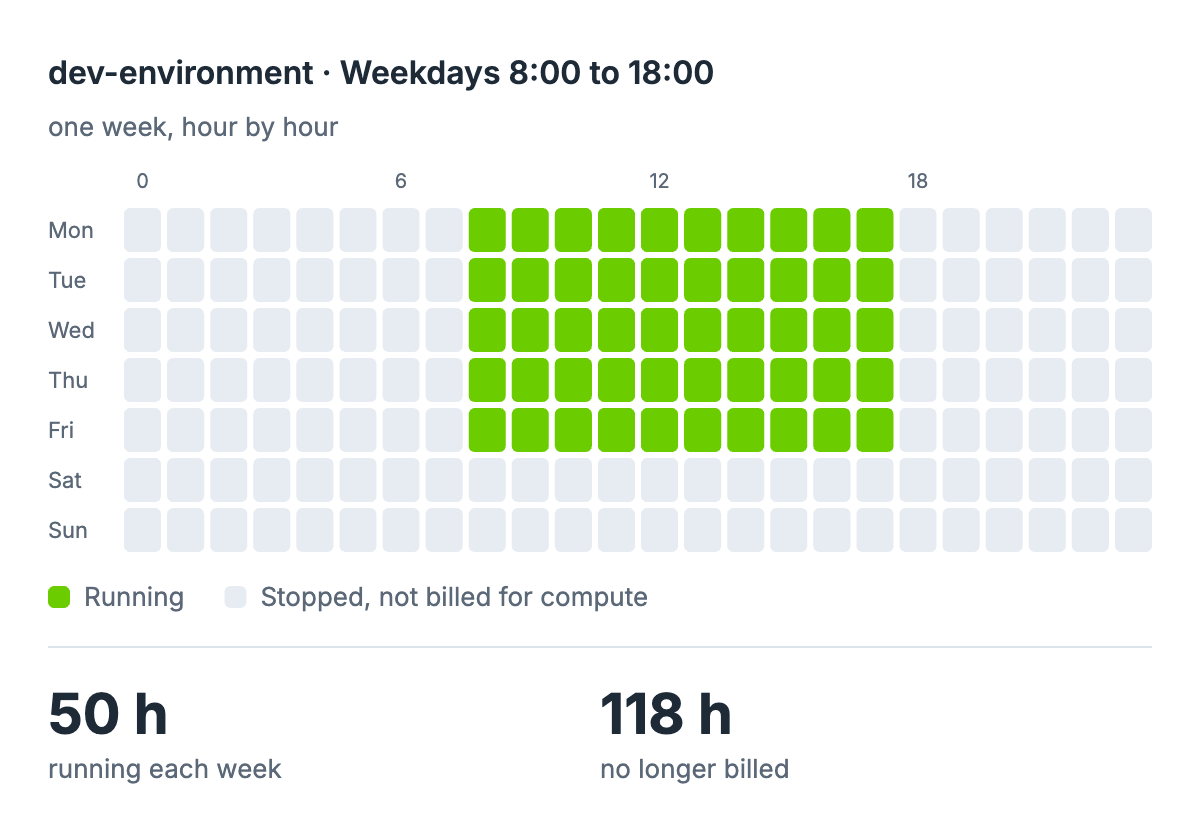
Compute is billed by the hour. Stop it for the hours nobody is working and those hours leave the bill.
Your compute bill, each month
Covers compute hours only. Storage, snapshots and IP addresses keep billing while a resource is stopped. Across a whole non-production bill, teams typically save 30 to 60%. Results vary with setup and adoption.34 resources at $0.20/h, running 11 h a day, 5 days a week instead of always on.
CloudAvocado plans start at $0. See pricing
What CloudAvocado does
Smart scheduling for idle resources
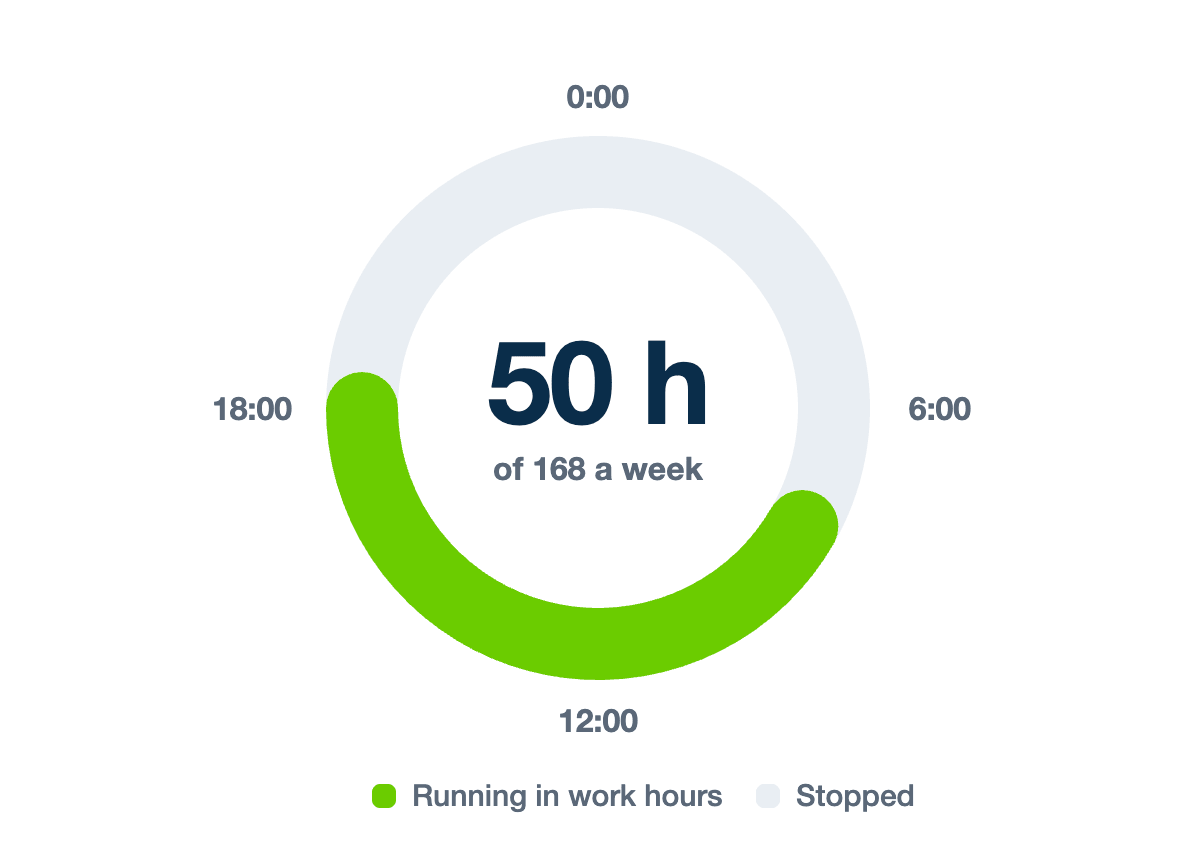
Schedule automatic start/stop times for dev and test environments during non-working hours. Apply schedules globally with tags or to specific resources. Typical savings: 30-60% on non-production spend.
30-60%
Rightsizing recommendations
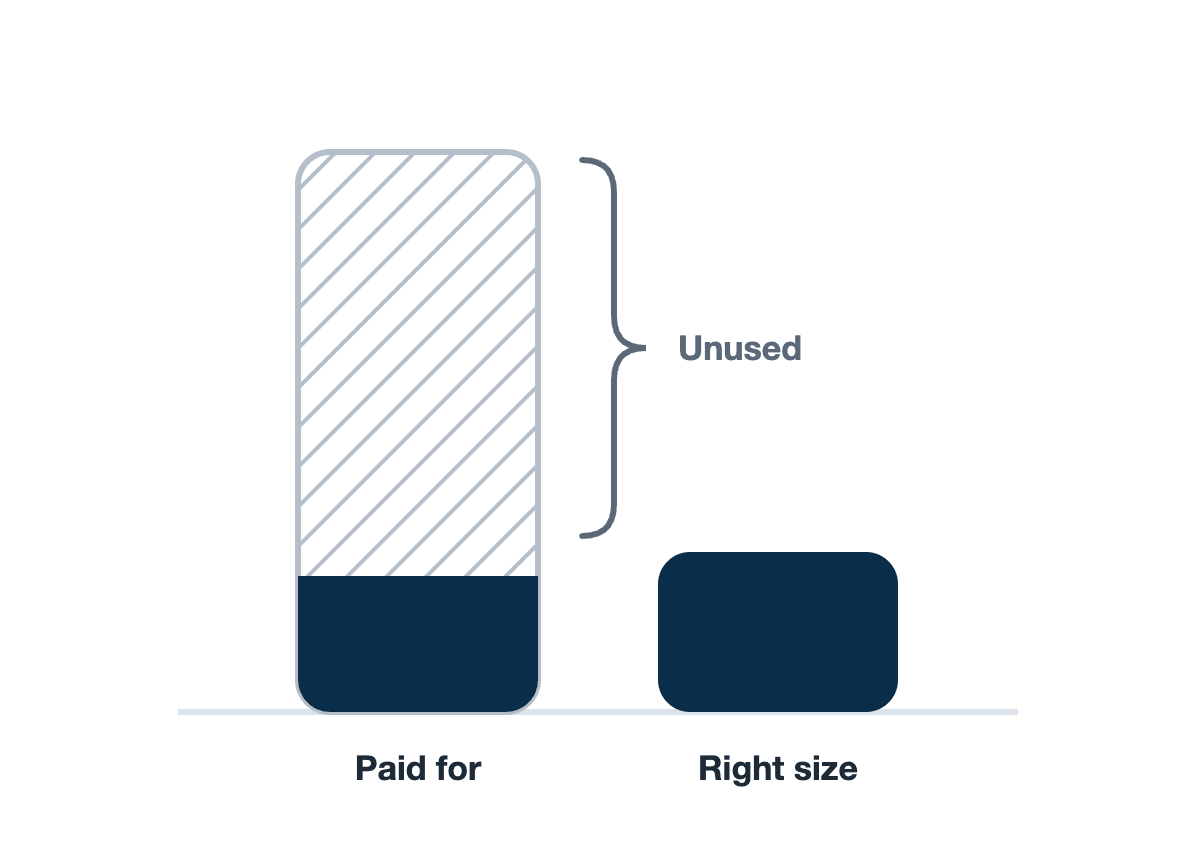
Get clear guidance for adjusting instance sizes, Auto Scaling groups, and cluster configurations based on real CPU and memory usage. Save an average of 25-35% on compute costs.
25-35%
Cost and savings insights
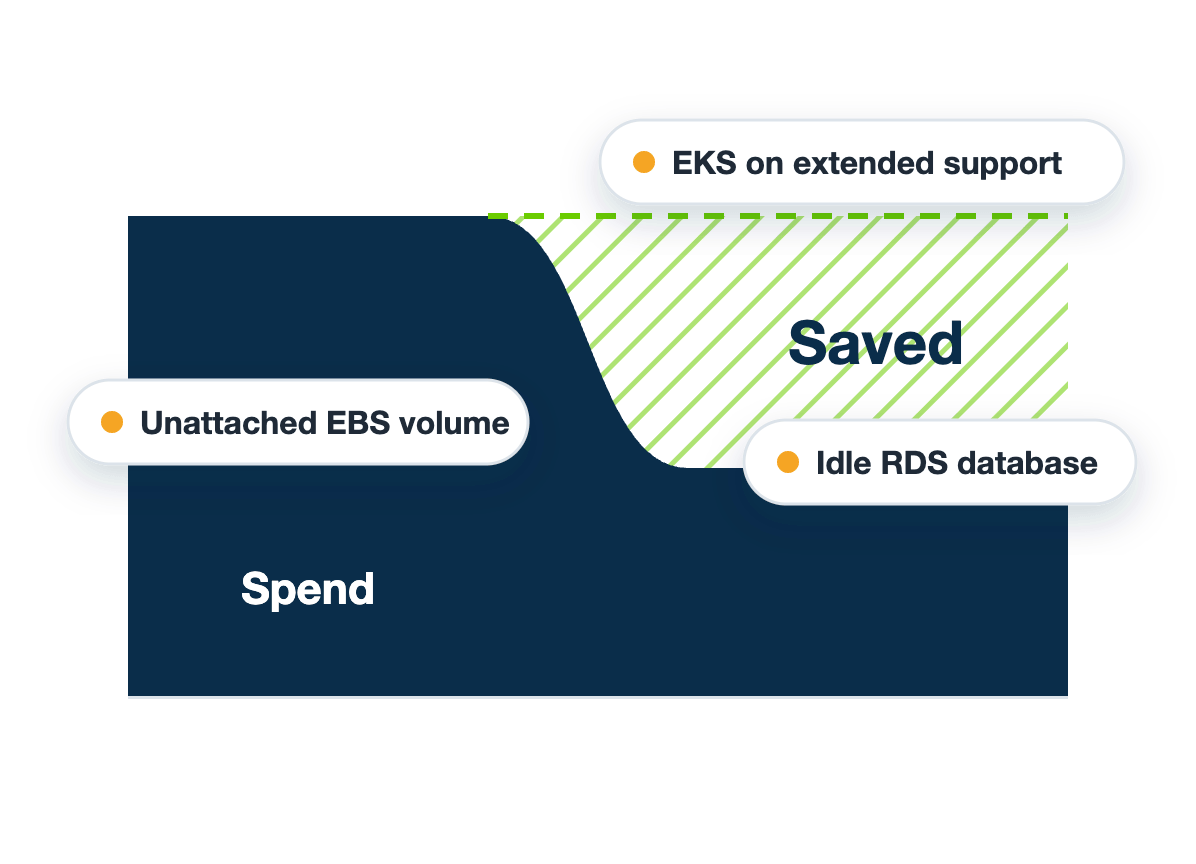
See which resources are idle or oversized, how much they’re costing, and what to do about it. Start cutting waste from day one.
And there is more to explore
Everything a team needs to run schedules across accounts, not just set them.
See what each plan includes- Central schedules for every account
- Logical groups: start and stop a whole environment in order
- Role-based access and teams
- Snooze for a schedule or one resource
- Smart schedules that wait for idle
- Autotagging for new resources
- Audit log of every action
- Single sign-on
How the setup works
1
Connect safely
Link your cloud account in minutes. You see exactly what permissions CloudAvocado needs and grant access on your terms. You stay in control.
2
We find the waste
CloudAvocado scans your resources and shows you idle and underused resources. No manual work.
3
You choose what to optimize
Turn on scheduling for dev/test environments or approve rightsizing for oversized instances.
4
See the savings
Watch your costs drop in real-time. Get a weekly dashboard to show your finance team exactly how much you saved.
Works across AWS, Google Cloud, Azure and MongoDB Atlas
Every account in one dashboard. No switching between consoles and no separate scripts per account.
AWS
- EC2
- RDS
- Aurora
- Auto Scaling groups
- ECS
- EKS
- DocumentDB
- SageMaker notebooks
Google Cloud
- Compute Engine VMs
- Cloud Run services
- Cloud SQL coming soon
Azure
- Virtual machines
- Container Apps
- PostgreSQL Flexible Server coming soon
- MySQL Flexible Server coming soon
MongoDB Atlas
- Clusters
Scheduling works on all four. Rightsizing and cost insights are available for AWS today.
Don’t see a service you need? Let us know.
Who is CloudAvocado for?
FinOps and finance
Stop explaining AWS bills. Show exactly where money goes and where you’re saving.
Cost and savings insightsEngineering leaders
Cut costs without slowing delivery. Developers stay in control.
For engineering leadersDevOps
Enforce policies automatically. No manual audits, no forgotten resources.
For DevOpsWhat our clients say
“Our migration journey to CloudAvocado has been fantastic! We were able to quickly and easily implement a few hundred AWS resources into CloudAvocado, which is saving us thousands of USD daily.”
View on G2
“We have decent dev and stage environments in different AWS accounts, which can be stopped for a non working hours. CloudAvocado helped us stop MongoDB Atlas. How it shows data and dashboard – just great, it helps us focus on things where we can save the most, from a cost perspective.”
“CloudAvocado saves us thousands of dollars every month and only costs a fraction of that amount. Anyone who runs AWS EC2 instances will be able to find a use for CloudAvocado — even those with little time to spare.”
View on G2
See how much CloudAvocado can save you
Free, read-only, about five minutes per account.